My tokens keep expiring. Why?トークンがすぐ失効します。なぜ?
Instagram Graph and Threads long-lived tokens expire after 60 days. Refresh them before they lapse with node modules/cli/token-refresh.js (Threads) — the tool warns you when fewer than 7 days remain. Check status any time with node modules/cli/token-check.js.
Instagram Graph と Threads の長期トークンは 60日 で失効します。失効前に node modules/cli/token-refresh.js(Threads)で更新してください。残り7日を切ると警告が出ます。状態確認はいつでも node modules/cli/token-check.js。
What is R2 and why do I need it?R2とは何ですか? なぜ必要?
Instagram and Threads APIs require publicly reachable HTTPS image URLs — they fetch your images by URL, so localhost won't work. Cloudflare R2 is object storage with a free 10 GB tier that provides those URLs. The tool signs uploads itself (no extra dependency). If you already run a public static server, use HOSTING_MODE=local_static instead.
InstagramとThreadsのAPIは 公開HTTPSの画像URL を要求します(URLで画像を取りに来るため localhost は使えません)。Cloudflare R2 は無料10GB枠のあるオブジェクトストレージで、そのURLを提供します。アップロードの署名はツール側で行います(追加依存なし)。すでに公開静的サーバがあるなら HOSTING_MODE=local_static も使えます。
How does the approval flow work?承認の流れは?
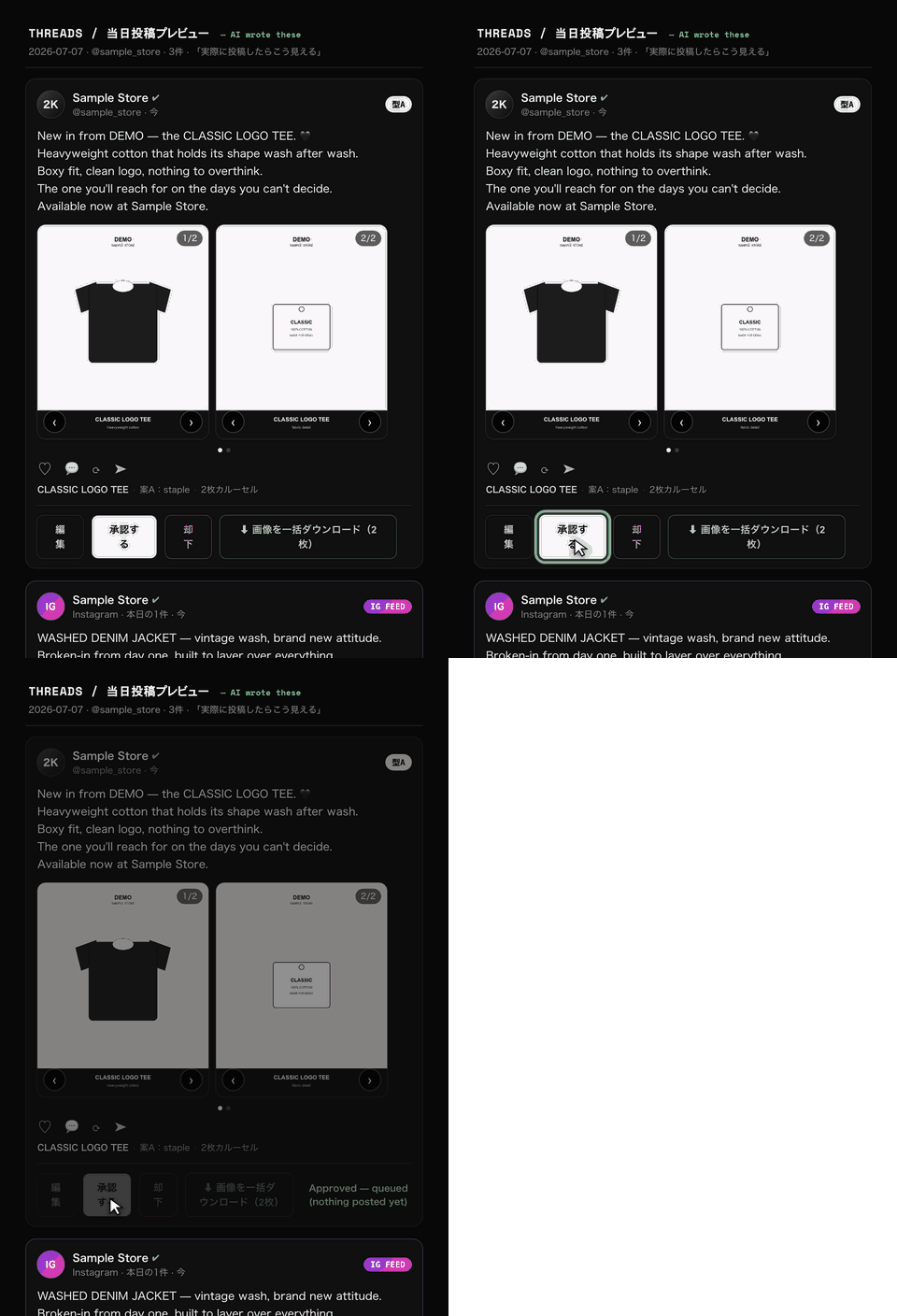
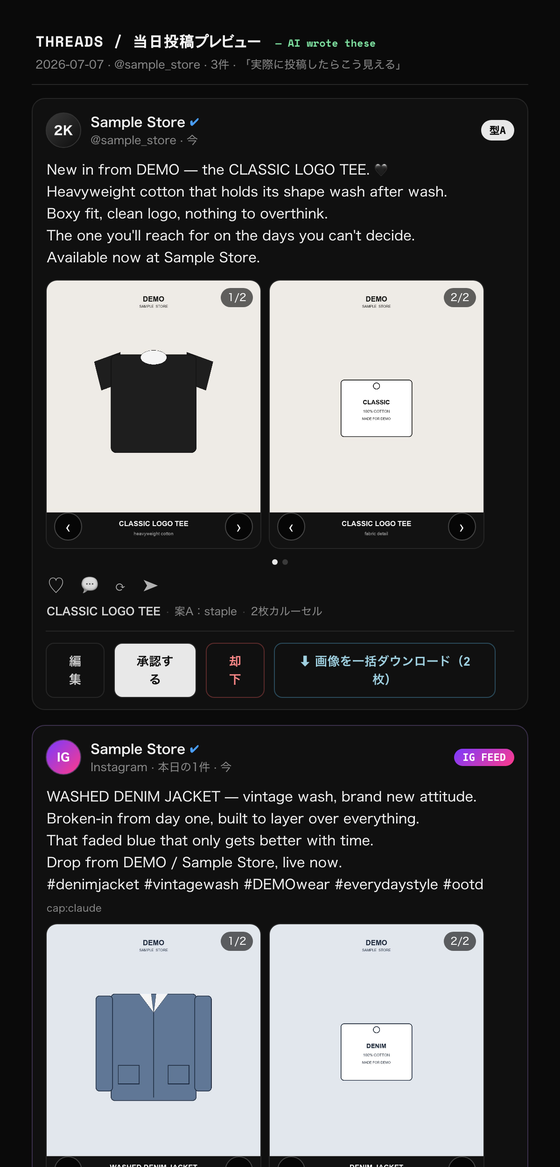
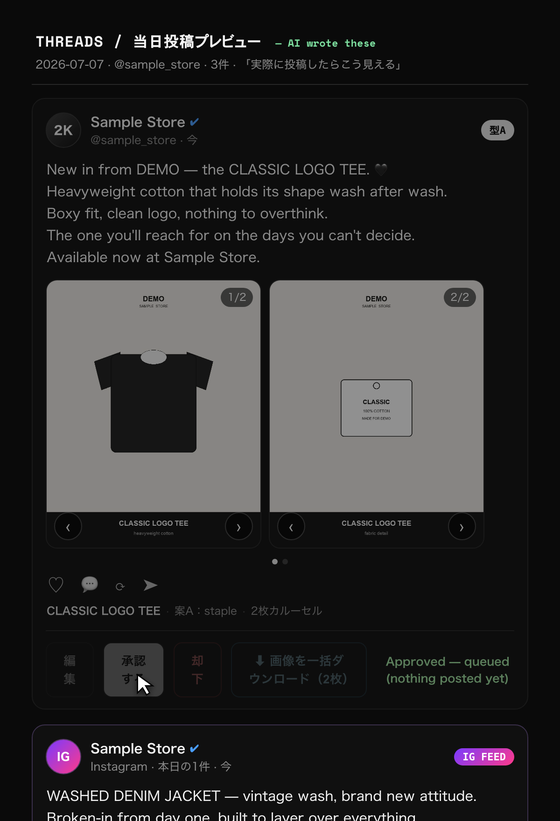
The tool generates a plan and a preview page but never posts on its own. Open http://localhost:8782, see exactly how the post will look, and click approve. Only approved posts enter the publish queue, and live posting requires the --live flag. Two gates keep you in control.
ツールはプランとプレビューを作りますが、自分では投稿しません。http://localhost:8782 を開いて「こう見える」を確認しクリックで承認。承認した投稿だけがキューに入り、実投稿には --live フラグが必要です。二重ゲートで常にあなたが主導権を持ちます。
How do I get a different product every day?毎日違う商品が出る仕組みは?
select tracks a rotation cursor and a cooldown (default 14 days in config.json), so it advances through your catalog and won't repeat an item until the cooldown passes.
select がローテーションのカーソルとクールダウン(config.json の既定14日)を管理し、カタログを順送りしながらクールダウンが明けるまで同じ商品を出しません。
Do I have to use both Instagram and Threads?InstagramとThreadsの両方が必須?
No. Configure at least one. The media block in config.json toggles channels; the wizard defaults to Threads on. Provide a token for whichever channel(s) you want.
いいえ。最低1つ設定すればOKです。config.json の media で媒体をON/OFFでき、ウィザードの既定はThreads ON。使いたい媒体のトークンだけ入れてください。